 Extensions · Chrome & Edge · v1.0
Showreel
Coming soon
Polished tutorials, without editing.
Record any browser tab in one click. Showreel zooms in on your clicks and typing, redraws a smooth cursor, blurs secrets on the page and exports a ready-to-post MP4, all on your computer.
Free: recordings up to 10 minutes, 1080p, no watermark. Pro coming soon. No account.
What it does
- Auto-zoom
- 1080p MP4
- No upload
- No account
- Chrome & Edge
One click, one tab
Open the tab you want to show and click the Showreel icon or press Alt+Shift+R. Add narration from your microphone if you like, press Record, and use the page as usual.
Zooms placed for you
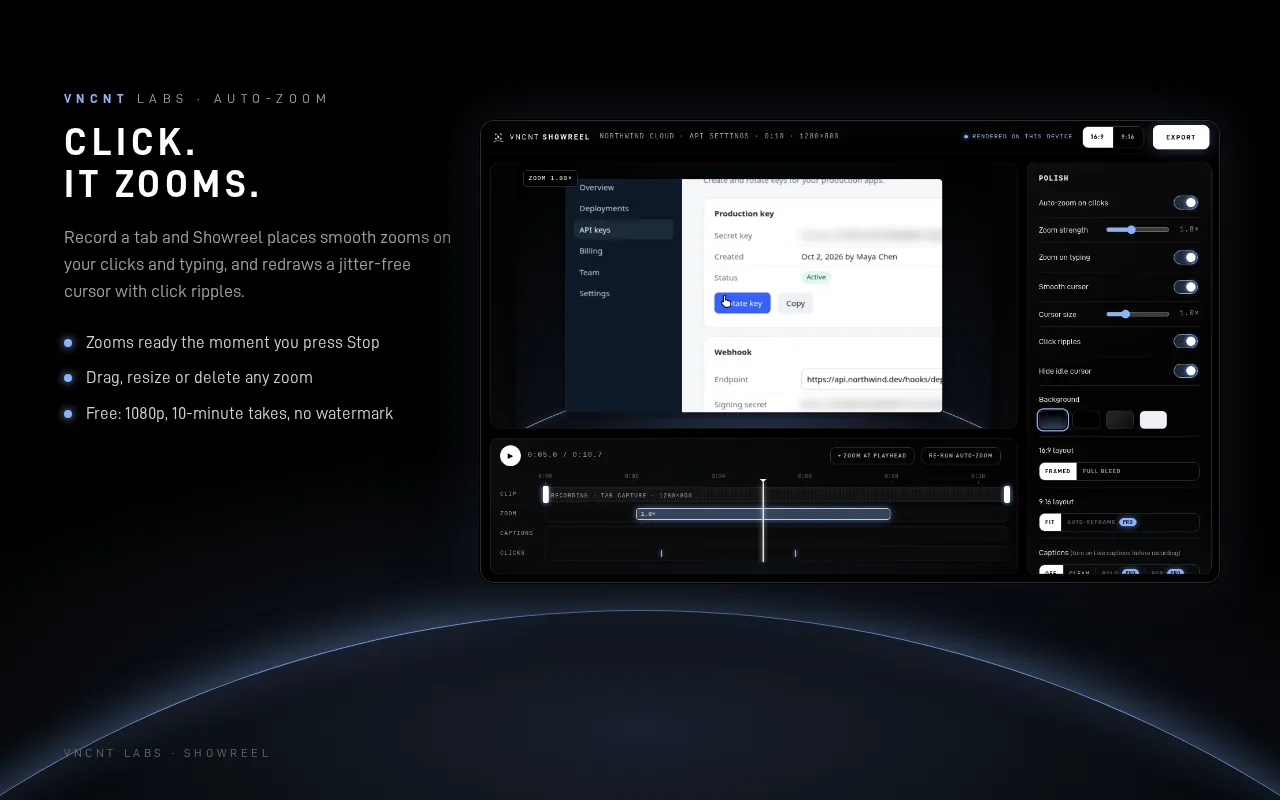
Showreel notes where you click and type, then places eased camera zooms that follow your cursor. Drag, resize or delete any zoom on the timeline.
A smooth cursor
The cursor is redrawn without jitter, with click ripples, and fades out when idle. Framed layout on a clean background, or full bleed.
Secrets never hit the video
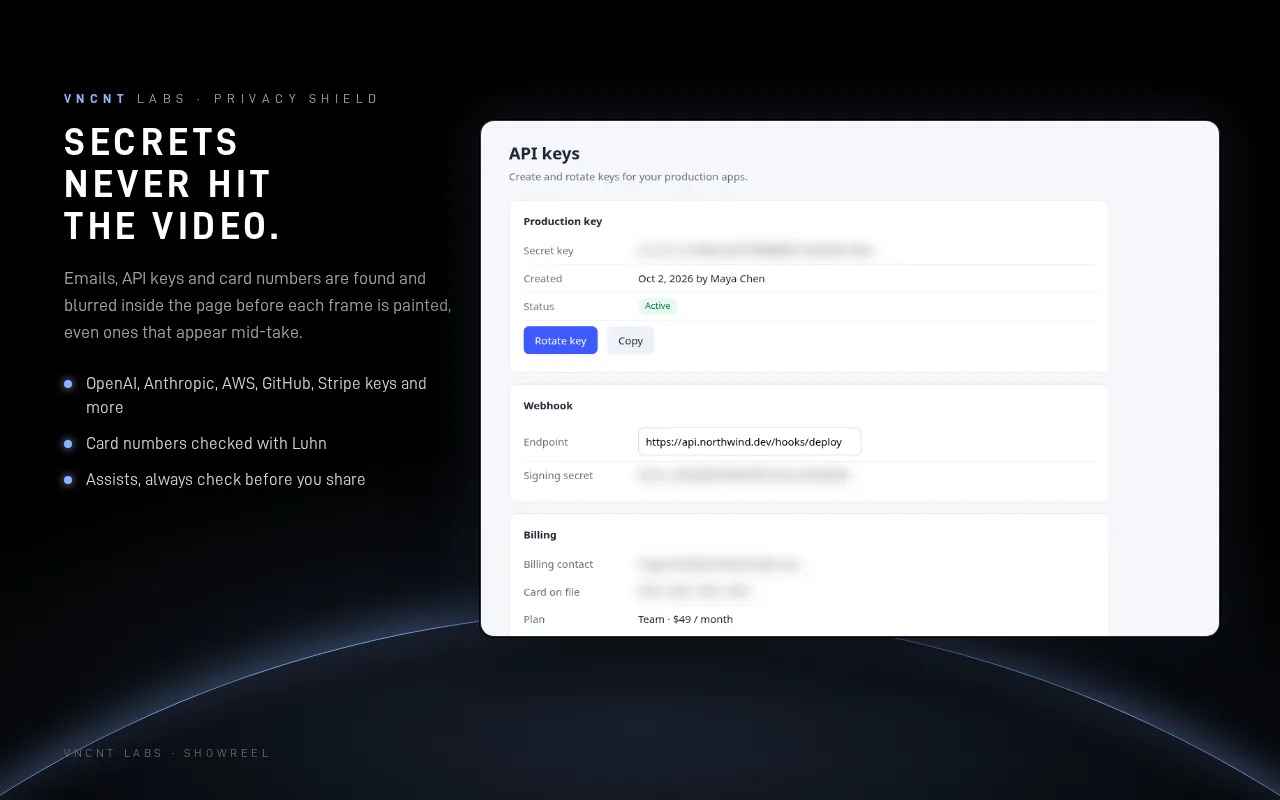
Emails, API keys and tokens and card numbers are found and blurred inside the page before each frame is painted. Click any other element to hide it too.
16:9 and 9:16
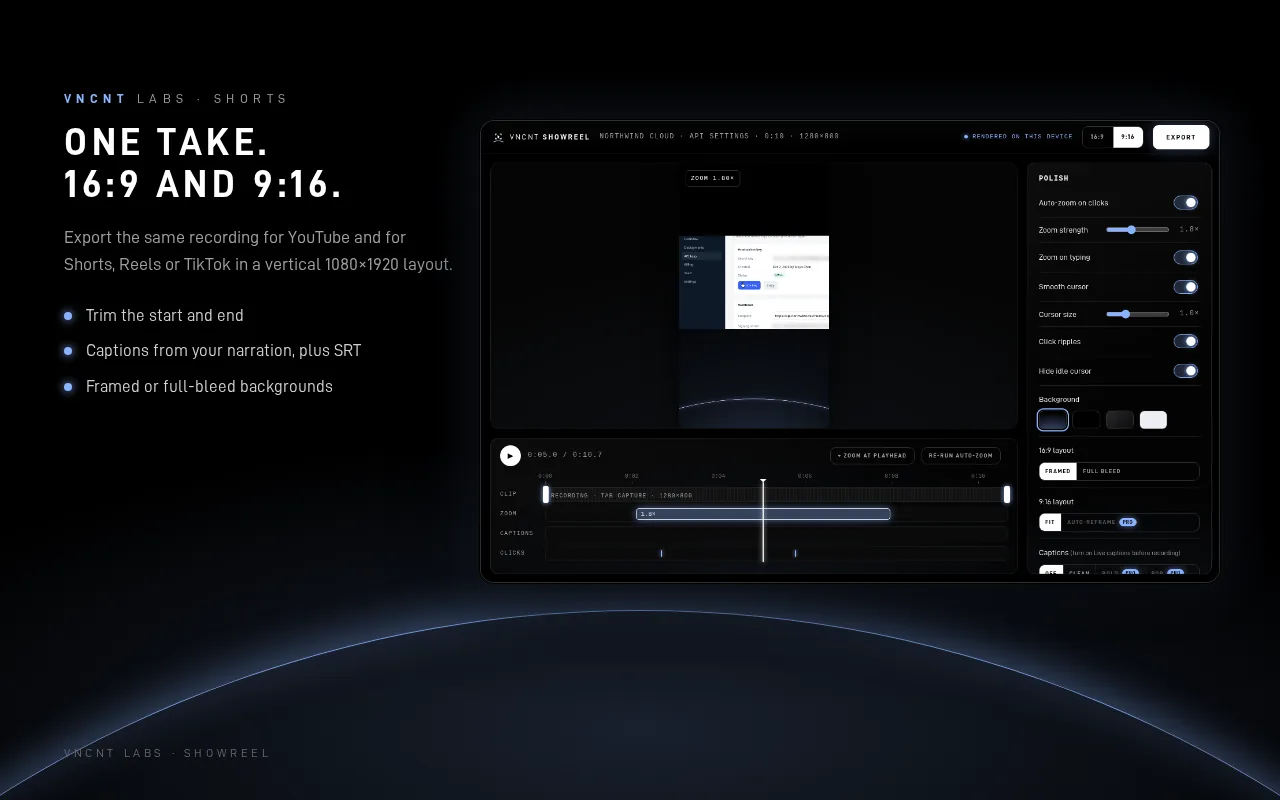
Export MP4 at 1080p for YouTube and docs, or a vertical 9:16 version for Shorts. Trim the ends, edit captions and export SRT.
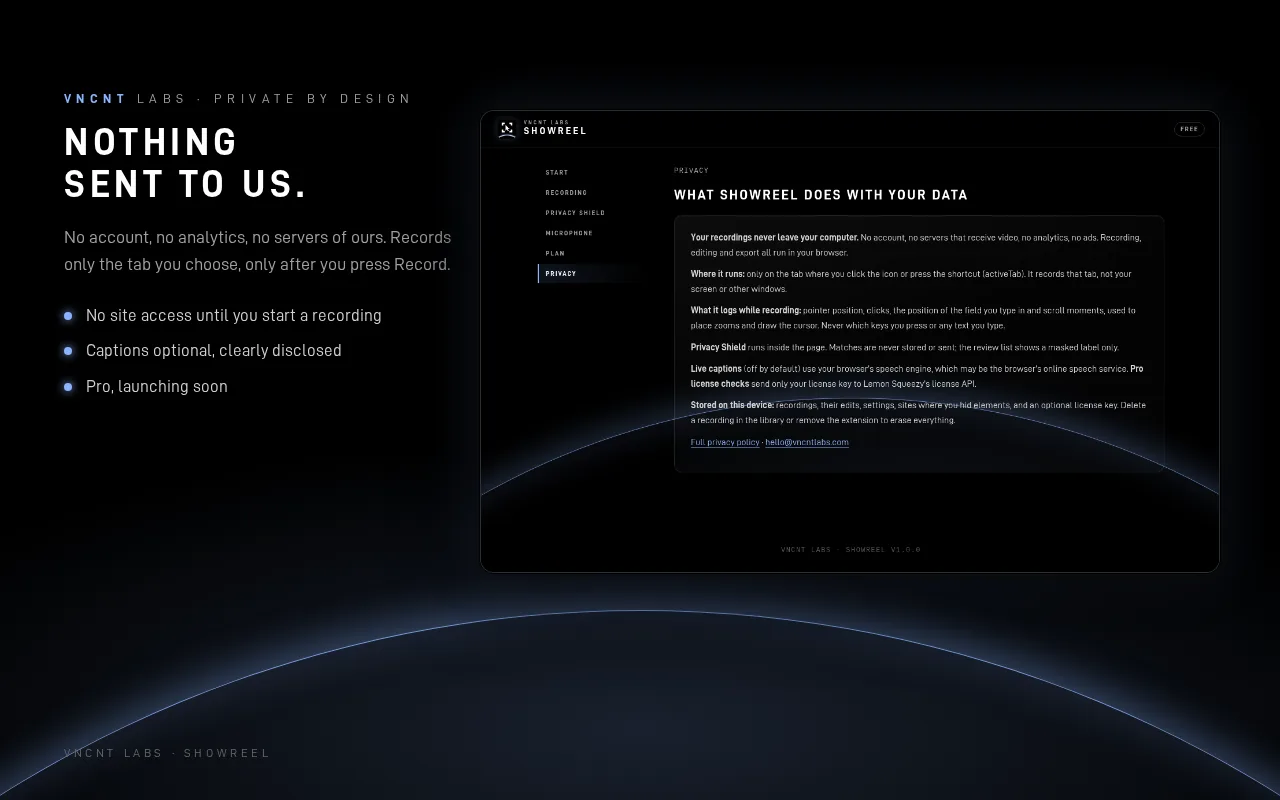
Nothing sent to us
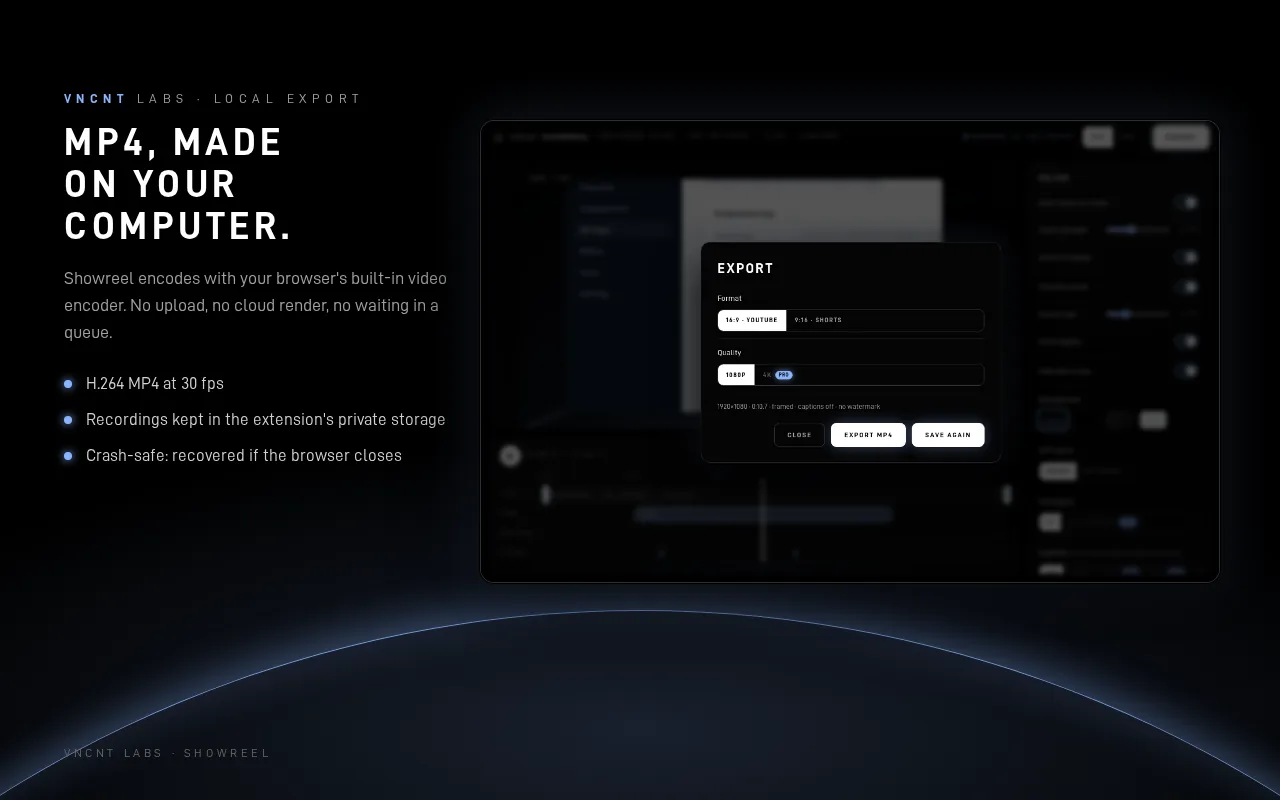
Recordings stay in the extension's private storage and are encoded with your browser's built-in video encoder. No account, no analytics and no network requests of its own.
A look inside
Free now, Pro soon
Tab recordings up to 10 minutes, 1080p export, auto-zoom, smooth cursor, Privacy Shield (auto-detect and click to hide), captions and 9:16 export with a fitted layout. No watermark.
Unlimited length, 4K export, a Shorts reframe that follows your cursor, bold caption styles and a brand kit. Pricing announced at launch.
Pro is not available yet. The first release is the free version.
Recordings stay on your computer
Showreel records only the tab you choose, only after you press Record. Recordings are stored and exported on your computer, and VNCNT Labs never receives them. One thing to know: live captions are off by default. If you turn them on, they use your browser's own speech service (Google's in Chrome, Microsoft's in Edge), like every browser tool built on the Web Speech API.
Known limits
- Records one tab, not your whole screen or other apps.
- Browser settings pages and extension stores can't be recorded.
- On Linux, MP4 audio is Opus because the browser has no AAC encoder there. It plays in browsers, VLC and on YouTube; some older players may not support it.
- The Privacy Shield reads page text, not pictures, so always preview a video before you share it.
Showreel
Support: [email protected] · Contact
Showreel is an independent product of VNCNT Labs. YouTube is a trademark of Google LLC. Google and Chrome are trademarks of Google LLC. Microsoft and Edge are trademarks of Microsoft Corporation. Not affiliated with or endorsed by either.